
How to make a Halloween costume reveal with AI
Choose between a costume walk and a transformation reveal. Prepare the photo, plan a clean transition and check the result before sharing.
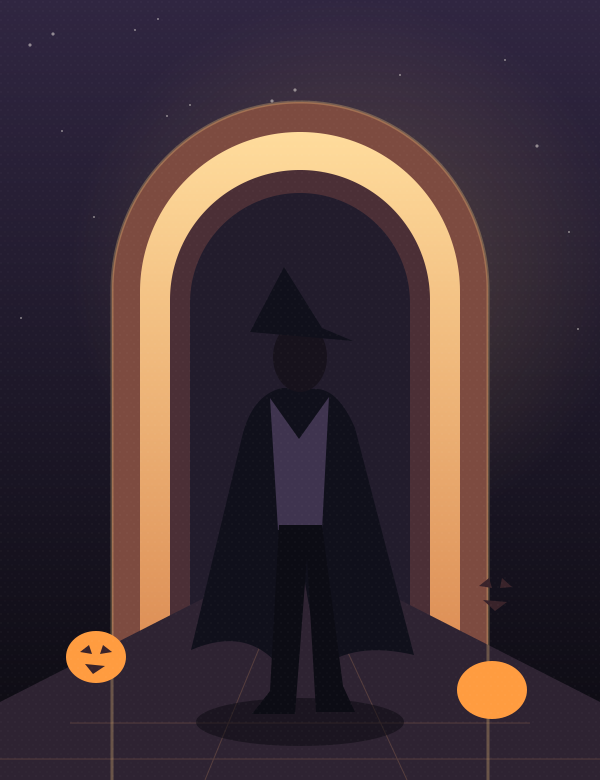
Concept illustration, not a generated video result.
A Halloween costume video can reveal an outfit in two different ways. In a costume walk, the subject is already dressed up and the camera gradually reveals the look. In a transformation, ordinary clothes change into a costume during the shot. Choosing one makes the scene easier to plan.
Availability: our costume walk page previews a planned template. Uploads and generation here are not open yet. This guide describes a workflow for a separate AI tool, and the artwork above is an illustration.
Choose the reveal you want
The walk: begin near the feet and tilt upward as the person approaches. This suits a strong silhouette, long coat, dramatic boots or a cape. Ramalama costume-walk posts use this kind of visual reveal, but the camera idea does not require including the original song.
The transformation: begin with the person in ordinary clothes, then use a turn, fabric sweep or brief veil of smoke to hide the change. End with a clear view of the new outfit. ZOOOP's Halloween costume reveal page is one example of a product built around this approach.
For a first attempt, avoid combining a walking shot, several costume changes and a spinning camera. One reveal is enough.
Prepare a photo that shows the whole look
Use a sharp photo with the head, hands and feet visible. Leave space around the subject so the new costume has room. A quiet background is easier to assess than a crowd or a mirror selfie with objects covering the body.
Choose an original costume direction such as a forest witch, velvet vampire, autumn scarecrow or glowing pumpkin character. Describe materials, silhouette and colors rather than relying only on a name. Use a photo of yourself or someone who has agreed to this use.
Build the costume still first
In an image editor or generator, establish the finished costume before animating it. Check the face, hand count, footwear and edges of the fabric. Keep the pose and camera framing similar to the starting photo if you want a transformation.
Only use a first-and-last-frame workflow when your chosen video model explicitly supports it. Otherwise, animate one finished costume image and create the reveal through framing and motion.
A starting prompt for the costume walk
A vertical fictional Halloween fashion shot. One adult in the supplied original costume walks slowly toward the camera on a quiet evening street. Begin on the boots, then tilt smoothly upward to reveal the outfit and face. Keep the same costume, anatomy and lighting throughout. A steady walk, one continuous camera movement, no additional people, no text, no logos and no music. End with the full look visible.
This is a starting prompt to adapt and test, not a verified preset for every model. If the walking motion is unstable, begin with a standing pose and a smaller camera movement.
A starting prompt for the transformation
One adult stands facing the camera. A brief sweep of autumn leaves crosses in front of the body, revealing an original Halloween costume as the leaves clear. Keep the face, body proportions, camera position and background consistent. Hold the final pose so the costume is clearly visible. No text, logos or music.
Inspect the change frame by frame. The transition should cover the outfit change without hiding the face for the entire clip. A costume that changes again after the reveal needs another attempt or a shorter edit.
Music and the final check
Before sharing, check the hands, feet, facial identity and last frame. Make sure the intended platform crop does not cut off the costume's most important detail.
Treat music separately from the visual effect. A commercial recording being available in a social app does not automatically authorize embedding it in a video sold or downloaded elsewhere. Use original audio or a license that covers your actual use. See the US Copyright Office's musician guidance for an introduction.
Browse the costume walk concept, read the witch broom guide, or return to the Halloween collection.